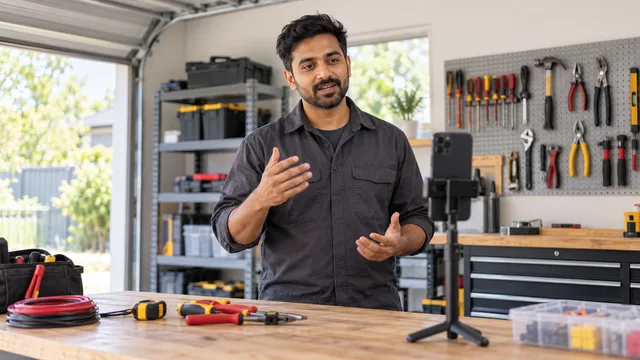
Tradies: a 60-second work video could prove your skills before the trade test. Here's what to film
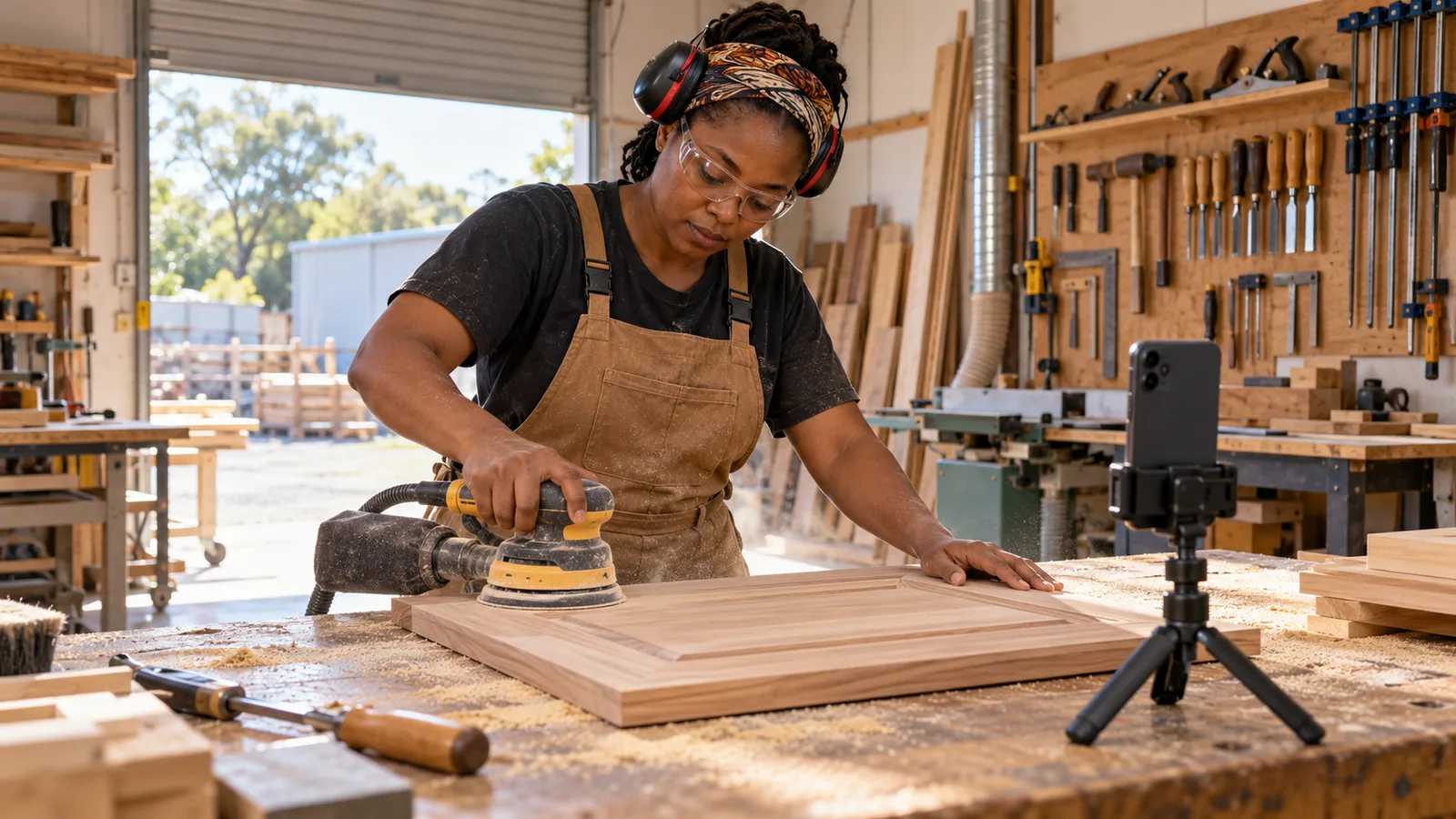
Your CV says you can hang a door, wire a switchboard or run a TIG bead on stainless. So does every other CV the employer is reading, which is why many get skipped before the trade test. A short trade portfolio video lets them watch you do it, and a shaky, silent or confusing clip can do the opposite: it makes good work look careless and could cost you the interview. This article explains what to film, how long each clip should be, how to keep it safe and private, and how to present it so an employer actually watches it.
It is written for tradespeople and hands-on workers applying for jobs at home or abroad, where the person hiring cannot visit your last site to see what you built.
Why a work video can say more than a reference
A referee can tell an employer you are reliable. A certificate shows you finished training. Neither shows how you hold a grinder, set out a job or clean up at the end of the day. A clip of you doing the work answers the question a foreman asks in a trade test: can this person actually do it, safely and to a standard?
Video matters most when your experience is hard to check. If your last employer has closed, does not answer emails or is in another country, a few clips of your real work give the employer something concrete. They do not replace references or documents, but they make the rest of your story easier to believe. If you are applying across borders, the guide on proving overseas work experience covers the paperwork side.
What to film: five clips that show your trade
Plan your clips before you pick up the phone. Each one should show one skill an employer in your trade would test. Five short clips usually cover it.
- A core task from start to finish, shortened. The job you do most often: a weld, a cable termination, a wall frame, a brake job. Film the key steps and cut the waiting.
- Setting out or measuring. Marking out, levelling, reading a drawing on site or checking tolerances. This shows you think before you cut.
- Using a specific machine or tool. The equipment named in the job ads you are applying for: a lathe, an excavator, a pipe bender, a diagnostic scanner.
- Fault-finding or a repair. Show the problem, how you tested it and the fix. Employers value people who can solve problems, not only follow steps.
- The finished result. A slow pan across the completed work, close enough to see the quality of joints, finishes and tidy cabling.
What to leave out
- Clients' faces, house numbers, number plates, company signs and private documents.
- Anything filmed where photos or video are not allowed, such as some hospitals, mines, defence sites or private homes.
- Unsafe practice: no eye protection, no gloves where they are needed, a missing guard. One unsafe moment can end your chances.
- Work you did not do yourself. If you were part of a crew, say what your part was.
- Music over the sound of the work, and long clips of nothing happening.
How to film a trade video on a phone
You do not need special equipment. A phone, some light and a bit of planning are enough.
Camera and light
- Film landscape (sideways) for work clips, so the whole task fits in the frame.
- Keep the phone still. Rest it on a toolbox, use a cheap clamp, or ask a workmate to hold it with both hands.
- Use daylight or site lighting from behind the camera, not behind the work. Wipe the lens; site dust blurs everything.
- Get close for detail. Move the phone closer instead of zooming, which makes the picture grainy.
Length and sound
- Aim for 30 to 90 seconds per clip. Employers watch short clips to the end; long ones get skipped.
- Say one or two plain sentences at the start: what the job is and what you are doing. For example: "This is a 3-phase motor connection. I'm terminating the cables and testing before power-up."
- If the site is noisy, add a short text caption when you upload instead of shouting over the machine.
Ask before you film
Always get permission from your supervisor and, where relevant, the client. Many employers have rules about filming on site. If you cannot film at work, film a practice piece at home or at a training centre and say so honestly: "Practice joint, filmed at home workshop".
Example: a welder's portfolio plan
Example: Ravi, a fictional welder applying for fabrication jobs abroad, plans five clips. Clip 1: a MIG fillet weld on a bracket, 60 seconds. Clip 2: setting up and tacking a pipe joint, 45 seconds. Clip 3: a TIG root run on stainless, close up, 50 seconds. Clip 4: grinding and checking a joint with a gauge, 40 seconds. Clip 5: a slow pan along a finished gate frame, 30 seconds. Each clip has a one-line caption with the process, the material and his role, such as "TIG root on 50 mm stainless pipe, my own work, filmed with supervisor's permission".
He links the clips to the skills on his profile, so an employer reading "TIG welding, stainless" can watch it straight away. The same approach works for any trade: match each clip to a skill the job ad asks for.
How employers look at work videos
An employer watching your clip is usually checking a few simple things:
- Does the work match the job? A furniture joiner's video will not help much for a formwork role.
- Is it safe? PPE, guards, a tidy work area.
- Is it really you? A clip where your hands and voice are clear, with a caption naming your role, is more convincing than a polished video of a team.
- Does it fit the rest of the profile? Dates, tools and licences in your work history should line up with what the video shows.
Employers who want to check the rest of a tradesperson's story often look at the checks that show whether trade experience is real, so it helps to know what they look for. If you have no formal certificate, video is one of the strongest kinds of evidence; the article on proving trade experience without a certificate explains the others.
Adding work videos to a Talent Tabloid profile
A Talent Tabloid profile can hold up to 5 skill or work videos, each up to 100 MB, with 16:9 landscape recommended. Videos can be linked to a specific skill, so an employer sees the clip next to the skill it proves. Work photos (up to 2 MB each) and portfolio or project links can sit alongside them, and evidence is optional for each skill. Skill evidence is not certified by Talent Tabloid: employers judge the videos, photos and links for themselves. You can see how the profile works on the features page and read common questions in the FAQ.
When your clips are ready, create your verified profile and add them to the skills they show.
A quick checklist before you share your videos
- Each clip shows one skill named in the job ads you want.
- Clips are 30 to 90 seconds, steady and well lit.
- Safety gear and safe practice are visible.
- No faces, addresses, number plates, logos or private papers of clients.
- You had permission to film.
- Every clip has a one-line caption with the task and your role.
- The videos match the dates, tools and licences in your work history.
Frequently asked questions
How long should a trade portfolio video be?
Keep each clip between 30 and 90 seconds and show one task per clip. Several short clips are easier to watch than one long video.
Can I film work I did for a previous employer?
Only with permission, and only if it shows nothing private about the client or the site. If you cannot get permission, film a practice piece and label it honestly.
Do I need to speak in the video?
A sentence or two at the start helps, because it tells the employer what they are watching. If the site is loud, a written caption works just as well.
Is a work video the same as a video introduction?
No. A video introduction shows you talking about yourself; a work video shows your hands doing the job. Employers find both useful, for different reasons.